How to do AEO: a simple step by step guide to becoming the answer
In short
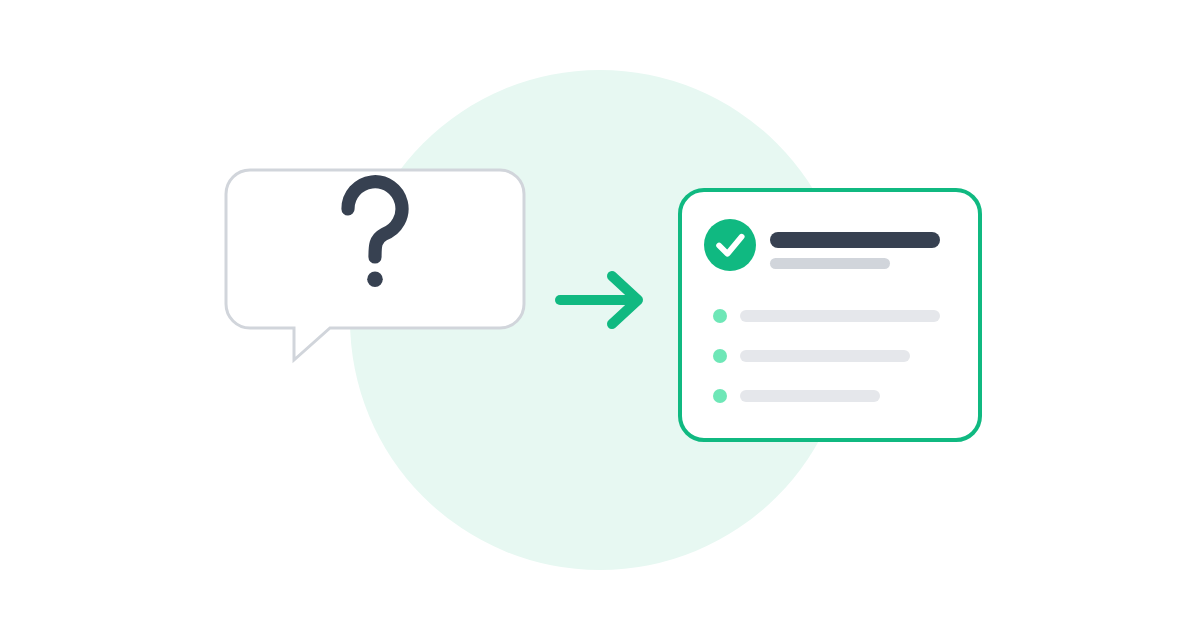
To do AEO, collect the real questions customers ask, answer each one on the right page in the first two or three sentences, use question headings and simple lists, add FAQ schema, and test what Google and ChatGPT pull. New to AEO? Start with What is AEO?
AEO works best on top of solid basics. If you haven’t done those yet, start with How to do SEO.
Step 1: Collect the questions customers really ask
Aim for a list of 10 to start. Good places to look:
- Your emails, texts and sales calls
- Your reviews, and your competitors’ reviews
- The “People also ask” box when you Google your service
- ChatGPT: ask it “What questions do people ask before hiring a [your service]?”
Step 2: Match each question to a page
Put each answer where it belongs. A question about pricing goes on that service page. A question about what to expect on your first visit goes on your booking or about page. A big question that needs a long answer can become its own blog post.
Step 3: Write the answer first
This is the heart of AEO. Use the question as a heading, then answer it directly in the first two or three sentences. Add details, examples and exceptions after that.
Example · A dog groomer
How often should I get my dog groomed?
Most dogs do well with a full groom every 4 to 8 weeks. Dogs with long or curly coats, like doodles and poodles, usually need it closer to every 4 to 6 weeks. Short-coated breeds can often go longer, with baths at home in between.
Notice the pattern: question, direct answer, then the details. That first sentence is what Google, Siri or ChatGPT can lift out as the answer.
Step 4: Use simple formats
- Numbered steps for anything that’s a process, like “how to prepare for your appointment.”
- Short lists for options, like “what’s included.”
- Simple tables for comparisons, like package A vs package B.
- Short paragraphs. Two to four sentences each.
Step 5: Add an FAQ section and FAQ schema
Add three to five common questions to the bottom of each main service page. Then add FAQ schema, a bit of hidden code that tells search engines “this is a question and this is its answer.” An SEO plugin like Rank Math or Yoast can add it for you without touching code.
Step 6: Be specific and keep it current
Answer engines prefer answers they can trust. Use real numbers, real places and real timeframes, and update them when they change. “Most installs take one day” beats “We work quickly.” If your prices change every year, review those pages every year.
Step 7: Test it
A few weeks after publishing, search a few of your questions on Google and ask them in ChatGPT and Perplexity. Who gets quoted? What does their answer look like? Rewrite yours to be clearer and more direct where you need to.
Do this week
1. Write down the 10 questions customers ask you most. 2. Pick the top three. 3. Answer each one on the right page, question as heading, answer in the first sentence.
Free tools
See where AEO fits in your plan
Where should I start? builds your step by step SEO and AI search plan in about 3 minutes. Or browse all free tools. No email needed.
Common questions
How long should an answer be?
Start with a direct answer of two or three sentences. Then add as much detail as the question needs below it.
Do I need a separate FAQ page?
It can help, but answers usually work best on the page they relate to. A pricing question belongs on the service page, close to what people are reading.
What comes after AEO?
Getting AI tools to recommend your business by name. That’s GEO, and our How to do GEO guide walks you through it.
Keep reading: SEO and AI search basics
- What is AEO? Answer engine optimization explained →
The basics behind this guide, with a before and after example. - How to do SEO →
Step by step: the foundations AEO builds on. - How to do GEO →
Step by step: get AI tools to recommend your business.